Your store locator is not just a map; it is your most underutilized conversion tool. Want proof? Brands that provide detailed, store-level information including services and, crucially, in-stock items see a 10% increase in online-to-offline conversion. That is the measurable difference between a visitor finding your store and a visitor walking in ready to buy.
In this article, we will reveal the must-have filters that convert browsing into buying by delivering a superior customer experience (CX). Let’s look at the must-have filters that every modern store locator should include.
Top 9 Must-Have Filters of a Store Locator for Better Customer Experience
By adding smart filters in a store locator, you can personalize the search experience, reduce frustration, and guide users to the most relevant results. Here are the top 9 must-have filters every store locator should include to improve the customer experience.
1. Location Filter (City, State, ZIP)
This is the most basic but essential filter. Customers want to search by city, state, or ZIP code to quickly see nearby stores. Without it, your locator feels incomplete.
Why it matters: It saves time and prevents customers from scrolling endlessly through irrelevant results.
2. Distance or Radius Filter
A distance filter allows customers to set how far they are willing to travel, such as 5 km, 10 km, or 25 km.
Why it matters: Customers don’t always want the “closest” store. Sometimes they need the one that’s most convenient for their travel plans.

3. Services or Amenities Filter
Customers want to know what services are available before visiting. Filters like “Wi-Fi,” “Parking,” “Pet-Friendly,” or “Wheelchair Accessible” add real value.
Why it matters: Transparency builds trust and avoids customer disappointment on arrival.
4. Product Availability Filter
If your brand sells products, customers should be able to check availability at a specific location. For example, hotels could show “Available Rooms,” while restaurants could highlight “Menu Specials.”
Why it matters: It avoids wasted visits and improves conversions.
5. Timing Filter (Open Now or Hours)
Filters showing whether a location is open now or its operating hours make a big difference. Customers don’t want to drive to a closed outlet.
Why it matters: It improves decision-making and ensures customer convenience.
6. Ratings and Reviews Filter
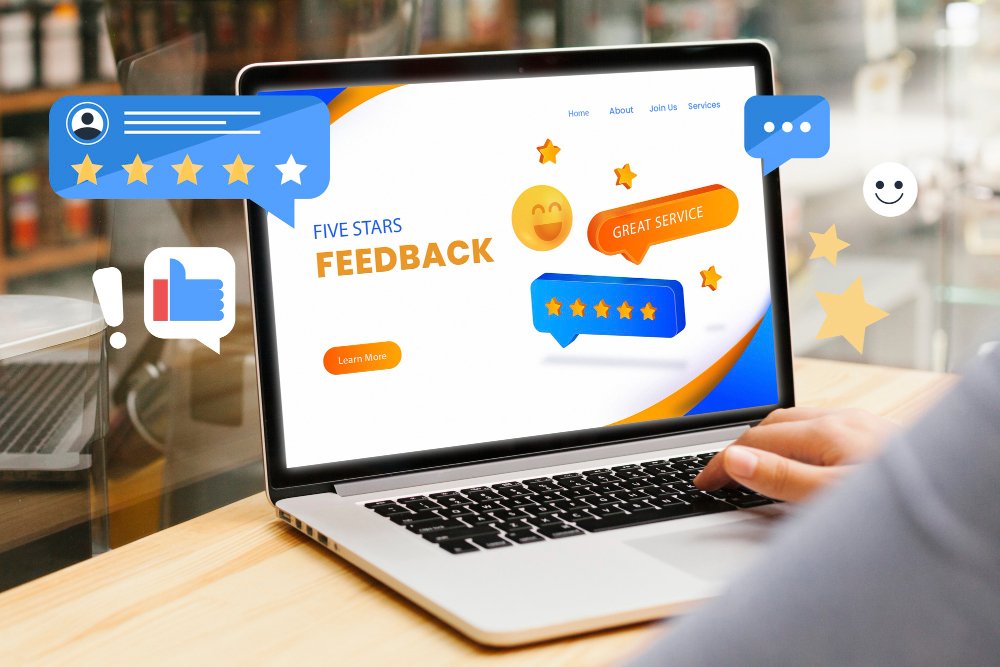
Integrating reviews directly into your locator allows customers to pick the highest-rated outlet nearby.
Why it matters: Social proof influences decisions. Customers feel more confident visiting a store with positive reviews.
Also Read: How a Smart Store Locator Boosts Customer Experience?
7. Store Type or Category Filter
For brands with multiple formats (restaurants, QSR, dine-in, takeaway counters, etc.), this filter is crucial. Customers can choose the type of store they need.
Why it matters: It reduces confusion and helps customers make faster decisions.
8. Multi-Language Filter
If your brand operates in multilingual regions, offering a language filter in the store locator makes navigation easier.
Why it matters: Customers feel valued when they can browse in their preferred language.
9. Payment or Booking Options Filter
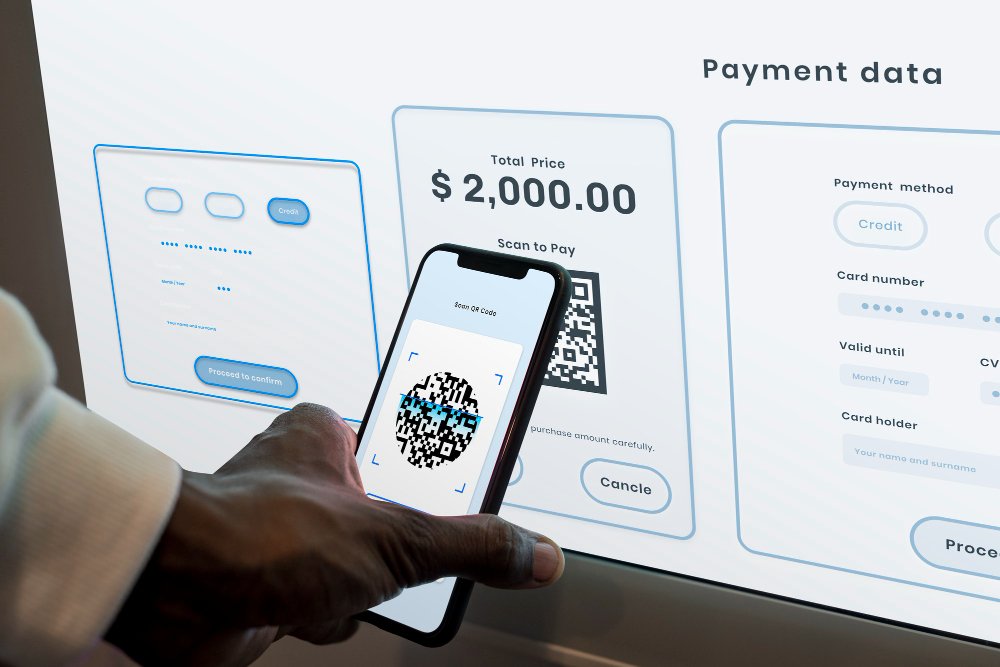
Customers want flexibility. A filter for “Online Payment,” “Cash Only,” or “Pre-booking Required” helps set clear expectations.
Why it matters: Clear information reduces frustration and enhances CX.
Why Do Store Locator Filters Improve Customer Experience?
A smart store locator reduces friction at every stage of the customer journey. Instead of forcing people to call or guess, it provides answers instantly. The right filters:
- Save time for customers
- Improve trust in your brand
- Reduce frustration and confusion
- Increase the chance of visits and purchases
About Famepilot Store Locator
Famepilot Store Locator is designed for brands with multiple outlets, hotels, restaurants, or retail chains. It makes it easy for customers to find the nearest branch with accurate information in just a few clicks.
Key Benefits offered by Famepilot Store Locator
- Provides a user-friendly map view with location pins.
- Ensures accurate details like address, phone number, and working hours.
- Improves local SEO by displaying locations in search results.
- Boosts customer experience with quick directions and contact options.
- Mobile-friendly and customizable to match brand design.
With Famepilot’s Store Locator, businesses save time managing multiple locations while making it easier for customers to visit them.
Final Thoughts
A store locator is a great customer experience tool. By adding must-have filters like location, distance, store type, services, and reviews, you make it easy for customers to find what they need. In 2025, brands that invest in smarter store locators will enjoy better customer loyalty and higher conversions.
Stop letting site visitors get lost, turn their clicks into foot-traffic with a store locator built just for your brand. Call Famepilot team today!
Our email id – [email protected]
Book a Demo with Us – https://famepilot.com/product-demo/
Our Contact Us (form) – https://famepilot.com/contact-famepilot/