If you want more local customers, you must speak their language. Local keywords connect your business with people searching in your city, region, or neighborhood. Whether you run a restaurant, hotel, salon, or clinic, using local keywords helps you appear in Google Maps and the local pack.
But the question is: How should you find and use local keywords? Let’s break down why and how in this blog.

Why Local Keywords Matter?
Local Keywords matter for your business because of the following main reasons:
- Match search intent: Customers type “near me” or add city names in searches.
- Boost visibility: Local keywords improve chances of ranking in Google Maps.
- Drive real visits: Unlike broad keywords, local ones bring foot traffic and bookings.
- Beat competition: Small businesses can compete with big brands by focusing locally.
How to Find Local Keywords?
Here are some of the ways to find Keywords that can help you rank your business locally.
1. Use Google Autocomplete

Source: Google Search
Start typing your service in Google. For example, “best pizza in…” and see the suggestions. Those are keywords people search daily.
2. Explore Google Keyword Planner
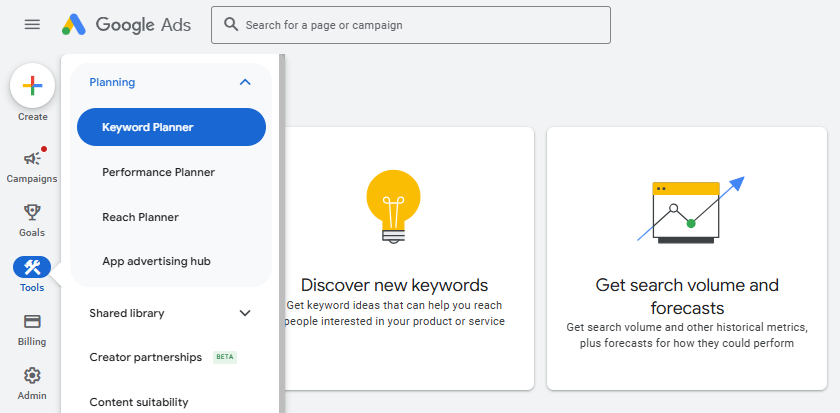
Source: Google Ads
This free tool shows search volumes by location. Enter a service like “hotel rooms” and filter for your city.
3. Check Google Maps Searches
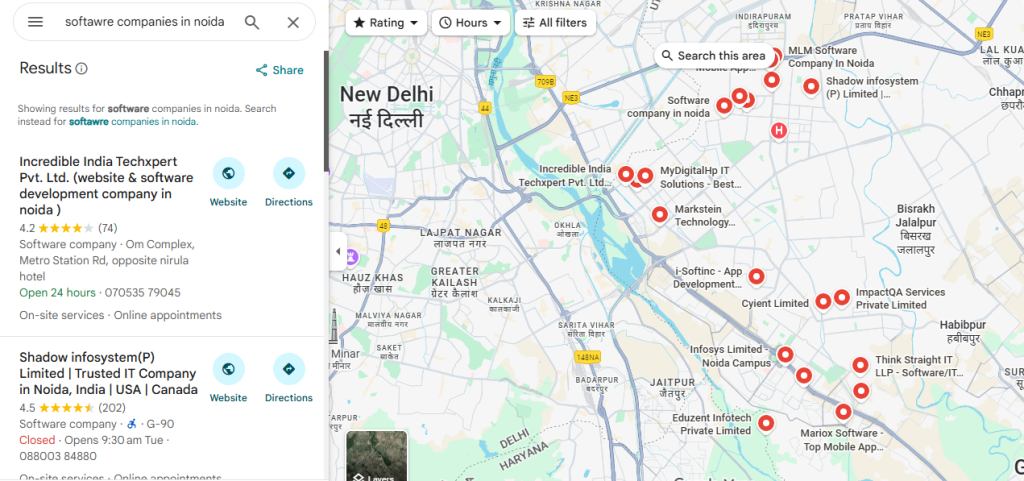
Source: Google Maps
Look at related queries in Google Maps when you search for your business type.
4. Study Competitors
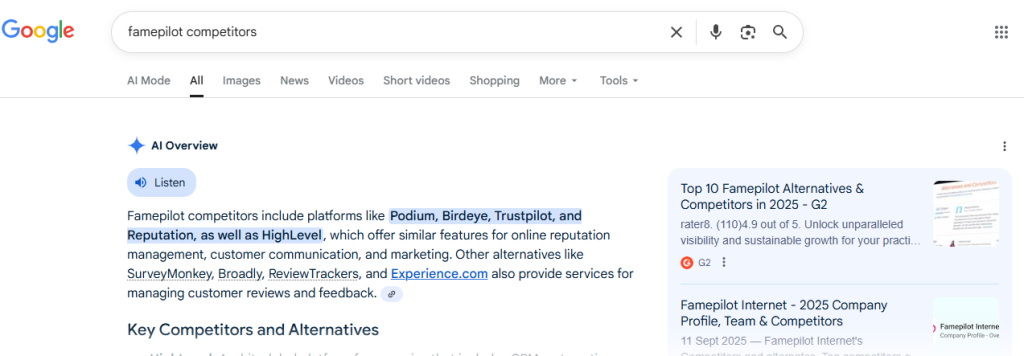
Source: Google Search
See what local terms top businesses in your niche are ranking for.
5. Use Tools like Ubersuggest or SEMrush
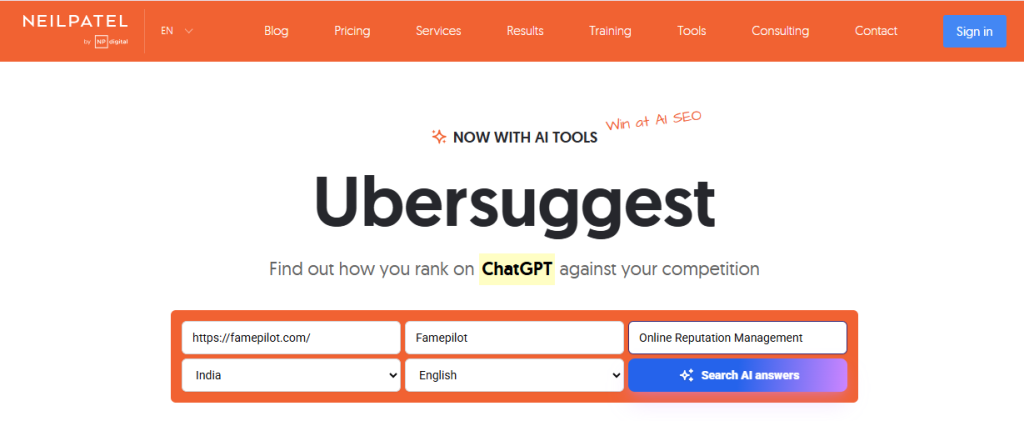
Source: Ubersuggest Keyword Tool
These tools reveal city-specific keywords and related phrases with good traffic potential.
How to Use Local Keywords?
You must avoid keyword stuffing and cloaking; and adhere to the following tips for the best results.
- Add them to your Google Business Profile title, description, and services.
- Include them naturally in website content, blogs, and FAQs.
- Place them in meta titles and descriptions for every page.
- Use them in customer reviews and Q&A sections when possible.
- Build citations with the same local keywords across directories.
Track Your Keyword Performance with Famepilot
Finding keywords is one thing. Tracking how they perform is another. This is where SaaS platform Famepilot helps businesses like yours.
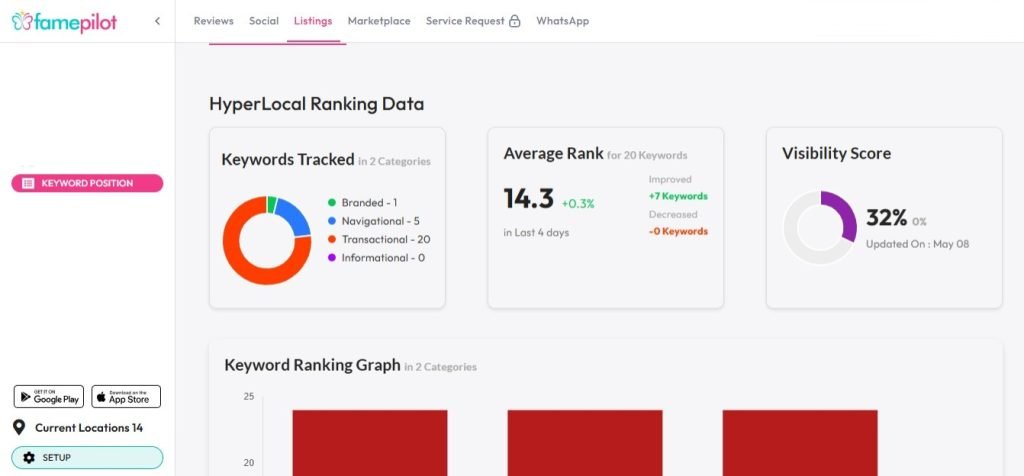
Famepilot’s keyword positioning feature in its Listing Management Console shows exactly where your business ranks for local keywords across regions. You can:
- Monitor keyword rankings in Google Maps.
- Compare visibility across multiple locations.
- Spot opportunities to improve weak-performing keywords.
- Save time with automated reporting.
This means you are not just guessing, you know which keywords bring results.
Final Thoughts
Local keywords bring the right audience at the right time. By doing smart research and tracking your performance with SaaS tools like Famepilot, you can strengthen your local SEO and appear in front of more customers.
Start small. Pick 5–10 strong local keywords. Track them. Improve consistently. That’s how you build lasting local visibility.
We hope you found this article useful. If you are a business owner looking to attract more customers and strengthen your online reputation management, you can explore the resources available on our website.
To get in touch with us, you can message us via our email id – [email protected]
You can Book a Demo with Us – https://famepilot.com/product-demo/
And here is our Contact Us (form) – https://famepilot.com/contact-famepilot/